// for marketers & strategists
Competitor analysis: watch the competition without lifting a finger
Benchmark your brand against rivals on volume, sentiment and the moments that move their audience.
the brief
Competitor analysis
Set up a monitor for each competitor and let Babel42 do the watching. Compare share of voice side by side, see which of their launches landed (and which didn't), and learn from the conversation around them, all on one dashboard.
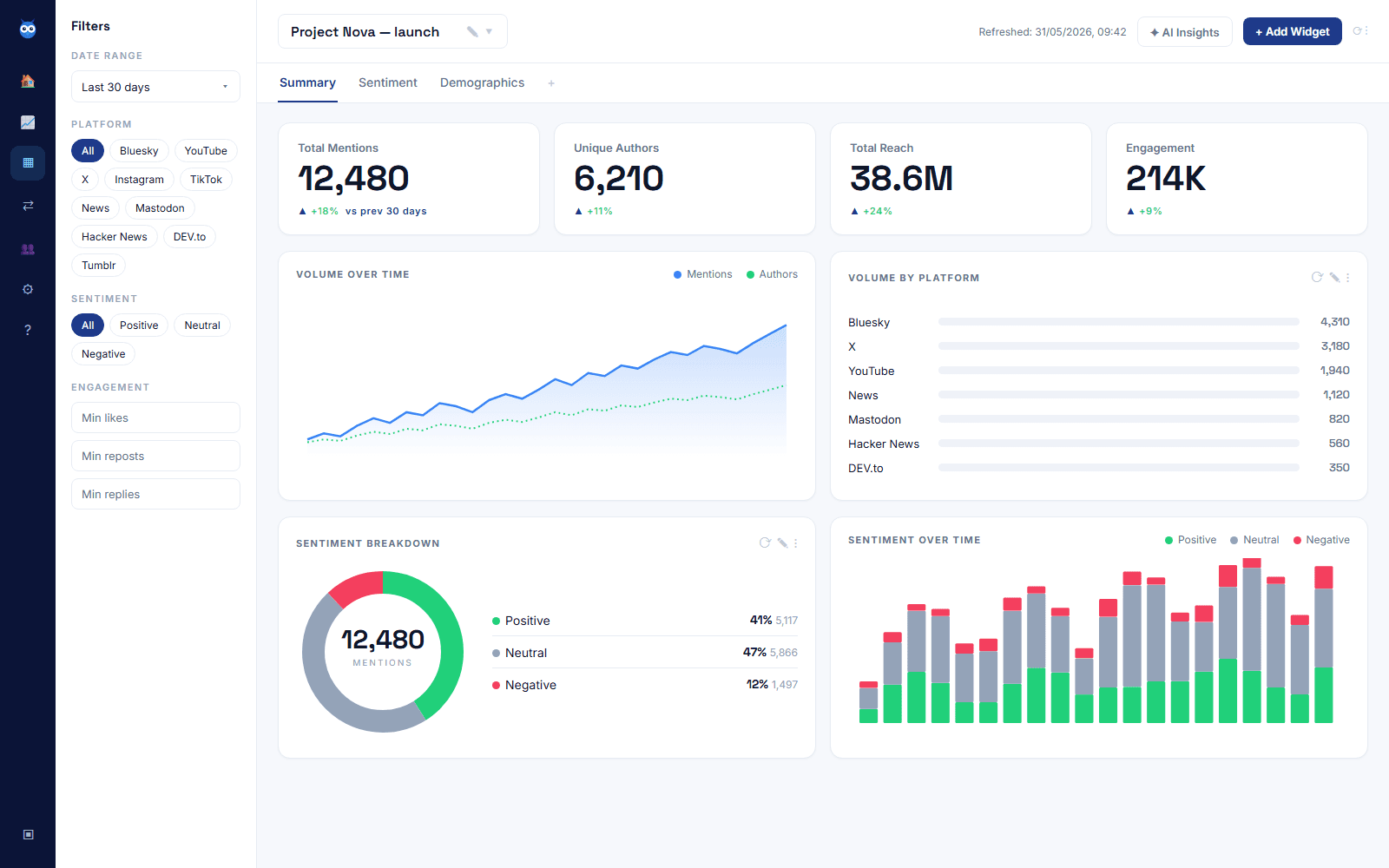
Side-by-side
Set up a monitor for each rival and Babel42 compares them against you on mention volume, reach and sentiment in a single comparison view. Because each competitor is its own monitor, you can add or remove one without disturbing the others, and a comparison template starts you from the standard set so you are not rebuilding the view each week.
Launch intelligence
When a competitor announces something, Babel42 has already collected the reaction: the volume it drew, the sentiment it carried and the accounts that amplified it. You can read the actual posts rather than a summary, which is what tells you whether a launch landed with buyers or only with the company's own audience.
Gaps to exploit
The complaints in a rival's mentions are a list of things their customers want and are not getting. Babel42 scores the sentiment of a rival's mentions, and its AI read will name the themes running through them, so the repeated frustrations stand out instead of staying buried in individual posts. It is about the most direct product and content brief you can get, because someone else's customers wrote it.
How to set up competitor analysis
Give each competitor its own monitor, built the same way as yours: names, product names, handles and hashtags, with lookalikes excluded. Using the same structure for every brand keeps the comparison fair.
Then open a share of voice view. It puts every brand you track side by side on volume, sentiment and trend. Add a rival's own social accounts as channels to compare follower growth and posting rate as well.
Example search
("Rival Co" OR "RivalCo" OR @rivalco)
NOT (hiring OR careers)
Everything here runs in Babel42's social listening tool, and the free plan is enough to try it.
Three questions to answer every month
Is our share of voice going up or down? Which of the rival's launches got a reaction, and was it positive? What do their customers complain about that we could fix for ours?
The last one is often the most useful. A complaint that keeps coming back in a rival's mentions is a feature request from someone who is not yet your customer.
Competitor analysis, answered
How many competitors can I track?
Each competitor is one monitor. The free plan has two monitors, Starter five, Growth 15, Scale 30 and Enterprise 100.
Can I track a competitor's social accounts?
Yes. Add them as channels and Babel42 records their posts, follower growth and engagement over time. The free plan includes one channel.
What do I need for share of voice?
At least two monitors: one for your brand and one for each rival. Share of voice is worked out from the mentions those monitors collect.
More ways to use Babel42
For founders & brand teams
Brand analysis
ExploreFor journalists & creators
Topic research
ExploreFor marketers & brand teams
Influencer marketing
ExploreFor product & support teams
Customer & product feedback
ExploreFor developer-tools & DevRel teams
Tech community listening
ExploreFor curious, informed investors
Investment monitoring
ExploreFurther reading
- The competitor-watching playbook what to track, and a weekly routine that does not take over your week.
- Share of voice as a relative score holding steady while a rival climbs is still losing ground.
- Competitor complaints as a lead source the people already saying the thing you fix.
- What a pricing page and a review miss the gap that opens up between one scheduled review and the next.